
SavePay: Pix with Discount

SavePay: Pix with Discount

SavePay: Pix with Discount

SavePay: Pix with Discount
Increase your Conversions with Automatic Discounts for Pix and any other Payment method
Access on the Shopify App Store

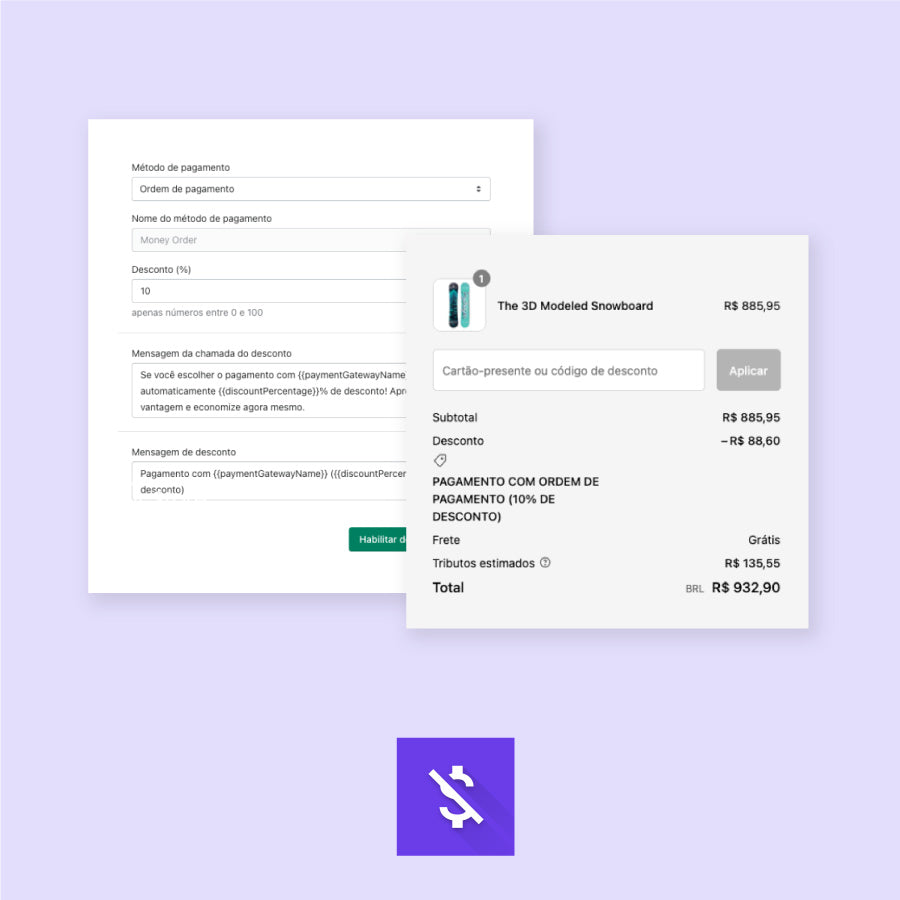
Simple:

Simple:

Select which payment method will receive a discount
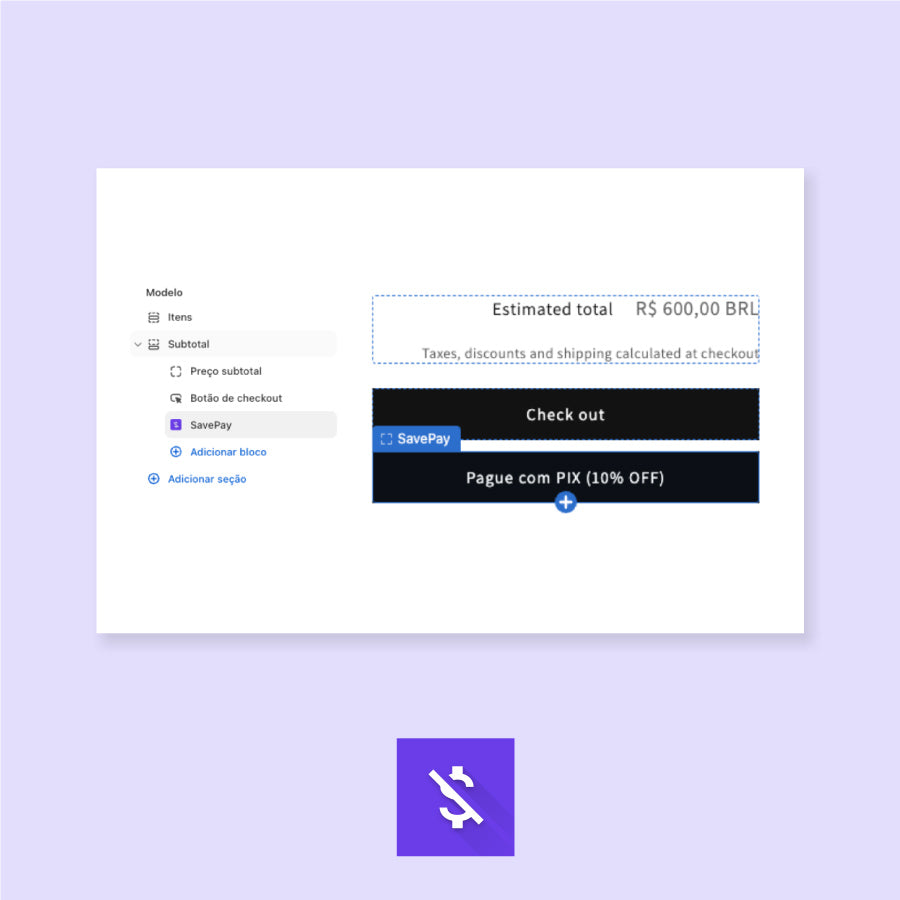
In your own way:

In your own way:

Customize messages, rules, and where the discount should appear
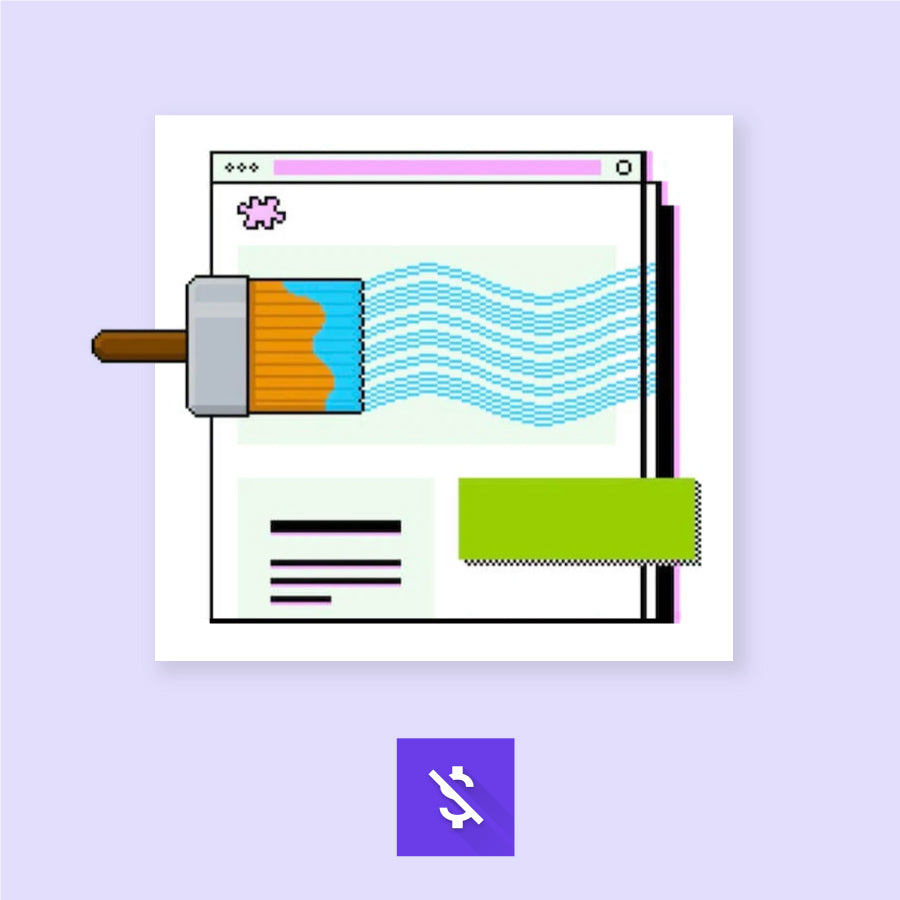
Updated Checkout:

Updated Checkout:

Compatible with Shopify Checkout Extensibility

How to use SavePay?

How to use SavePay?

How to use SavePay?

How to use SavePay?

Increase Your Conversions with Automatic Discounts for Pix and any other Payment method.

Increase Your Conversions with Automatic Discounts for Pix and any other Payment method.

Simple. Now you can offer automatic discounts to customers for Pix and any other payment method.

Flexible. It adapts to your checkout. Use the full power of checkout extensions and choose the best place to display your discount call-to-action, anywhere in the checkout.

Simple. Now you can offer automatic discounts to customers for Pix and any other payment method.

Flexible. It adapts to your checkout. Use the full power of checkout extensions and choose the best place to display your discount call-to-action, anywhere in the checkout.

Instructions

SavePay Installation

Important: To use SavePay, your Checkout must be on the updated Shopify model (One-Page Checkout and Checkout Extensibility).

  • Access the Shopify App Store: Search for "SavePay" in the Shopify App Store or access it directly via the provided link.

  • Install the App: Click "Add app" and authorize SavePay to access your Shopify store by following the on-screen instructions.

Settings

Click here to check out the step-by-step guide.

Support or Customization Requests

If you need assistance during installation or operation, or even to verify the possibility of a project for customizations specific to your business, contact our team at contato@alce.rocks.

Privacy Policy

Introduction

Welcome to SavePay! This document clarifies how we handle data in the context of using our app.

Data Accessed by SavePay

We do not collect, store, or process any personal customer details, such as name, email, or phone number. No information is stored outside of the client's Shopify environment.

Consent and Data Protection Agreements

SavePay adheres to data protection principles, ensuring that data processing is limited to the scope necessary to provide our services. We value the privacy and data protection of our users.

Data Storage and Security

We ensure that data is not retained for longer than necessary and employ encryption for both data in transit and at rest. Backup data is also encrypted. We separate test and production data and maintain a robust data loss prevention strategy.

Data Access Limitation

We limit our team's access to customer data. Data access is logged, and we maintain strict password requirements for team members. We have a security incident response policy in place to handle potential data breaches.

Changes to the Privacy Policy

We may update this privacy policy from time to time in order to reflect, for example, changes to our practices or for other operational, legal or regulatory reasons.

Contact

If you have any questions regarding our privacy policy or security practices, please contact us via email: contato@alce.rocks.

Contact
Contact

Projects

Send as many details as possible so we can understand the type of project and assess whether we can help.

Job openings

We are hiring. At the link below you can submit your profile, resume and portfolio.

Social Media